Cloud Migration for Houston Small Businesses: What to Expect
Thinking about moving to the cloud? Here's what Houston SMBs need to know about cloud migration — costs, timeline, risks, and real benefits.
By Scott McAuley · Feb 26, 2026 · 8 min read
"Moving to the cloud" sounds simple until you start planning it. For Houston small businesses still running on-premises servers, the benefits are real — but so are the risks if it's done poorly.
Here's an honest look at what cloud migration involves, what it costs, and how to do it without disrupting your business.
What "Cloud Migration" Actually Means
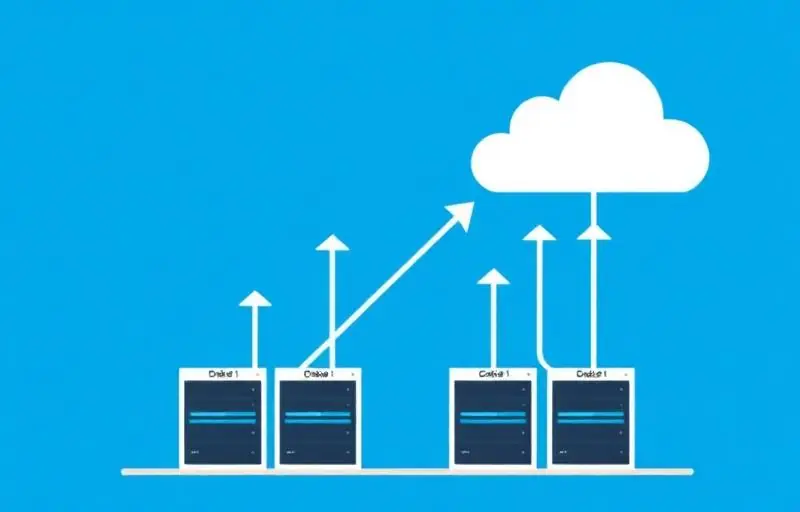
Cloud migration is moving your business applications, data, and IT infrastructure from physical hardware in your office (or a local data center) to cloud platforms like Microsoft Azure, Amazon Web Services (AWS), or Microsoft 365.
For most Houston SMBs, this typically means:
- Email and productivity: Moving from on-premises Exchange to Microsoft 365 or Google Workspace
- File storage: Moving from local file servers to SharePoint, OneDrive, or cloud-hosted file servers
- Applications: Moving line-of-business applications to cloud-hosted versions or virtual servers
- Backup: Moving from local backup to cloud-based backup and disaster recovery
You don't have to migrate everything at once. Most businesses do it in phases.
The Benefits That Actually Matter
No More Server Room
On-premises servers require physical space, cooling, power, maintenance, and eventual replacement (every 5-7 years). They're also a single point of failure. If your Houston office floods — and this is Houston, so that's not hypothetical — your server goes with it.
Work From Anywhere
Cloud-hosted systems are accessible from any location with internet access. For Houston businesses with employees working from home, traveling, or operating across multiple locations, this is transformative.
Built-In Redundancy
Major cloud platforms operate across multiple data centers with automatic failover. Your data isn't sitting on one server in one closet. It's replicated across geographically separated facilities.
Predictable Costs
Instead of large capital expenditures for server hardware every few years, cloud converts IT infrastructure to a monthly operating expense.
The Risks No One Talks About
Internet Dependency
Cloud means everything depends on your internet connection. Houston businesses need to consider redundant internet connections, cellular failover options, and local caching for critical files.
Subscription Cost Creep
Cloud services are billed monthly per user. Over 5-7 years, you may spend more than you would have on physical servers.
Migration Disruption
Poorly planned migration causes downtime, lost files, and frustrated employees. This is the biggest risk, and it's entirely preventable with proper planning.
What the Migration Process Looks Like
Phase 1: Assessment (1-2 Weeks)
Your IT provider audits your current environment.
Phase 2: Planning (1-2 Weeks)
Based on the assessment, your provider creates a migration plan with timelines and rollback procedures.
Phase 3: Migration (2-6 Weeks)
The actual migration happens in phases — email first, files second, applications third. Each phase is tested before the next begins.
Phase 4: Optimization (Ongoing)
After migration, your provider tunes performance, adjusts security settings, trains users, and decommissions old hardware.
What It Costs
For a typical Houston SMB with 20-50 users:
- Migration project: $5,000-$20,000 depending on complexity
- Monthly cloud costs: $30-$80/user/month for Microsoft 365, cloud storage, and backup
- Potential savings: Eliminating server hardware ($10,000-$30,000 every 5 years)
The ROI is typically realized within 18-24 months.
About the Author
Scott McAuley is a Marine Corps veteran and 25-year IT executive. He is President & CEO of Texas Management Group, founder of Talos Automation, and creator of Talk Is Cheap, and was named IT Services CEO of the Year 2023. Full bio at scottmcauley.com →