Disaster Recovery as a Service (DRaaS) for Houston Businesses: What It Is, What It Costs, How to Test It
Disaster recovery as a service explained for Houston firms: DRaaS vs cloud backup, RTO and RPO, cost drivers, hurricane planning, and a readiness checklist.
By Scott McAuley · Nov 14, 2026 · 13 min read
Disaster recovery as a service (DRaaS) is the part of a backup plan most Houston businesses assume they already have. Ask an owner what happens if the office floods and you'll usually hear "we're backed up to the cloud" — and that's true, as far as it goes. A backup copy of your files survives the water. Your ability to work the next morning usually doesn't.
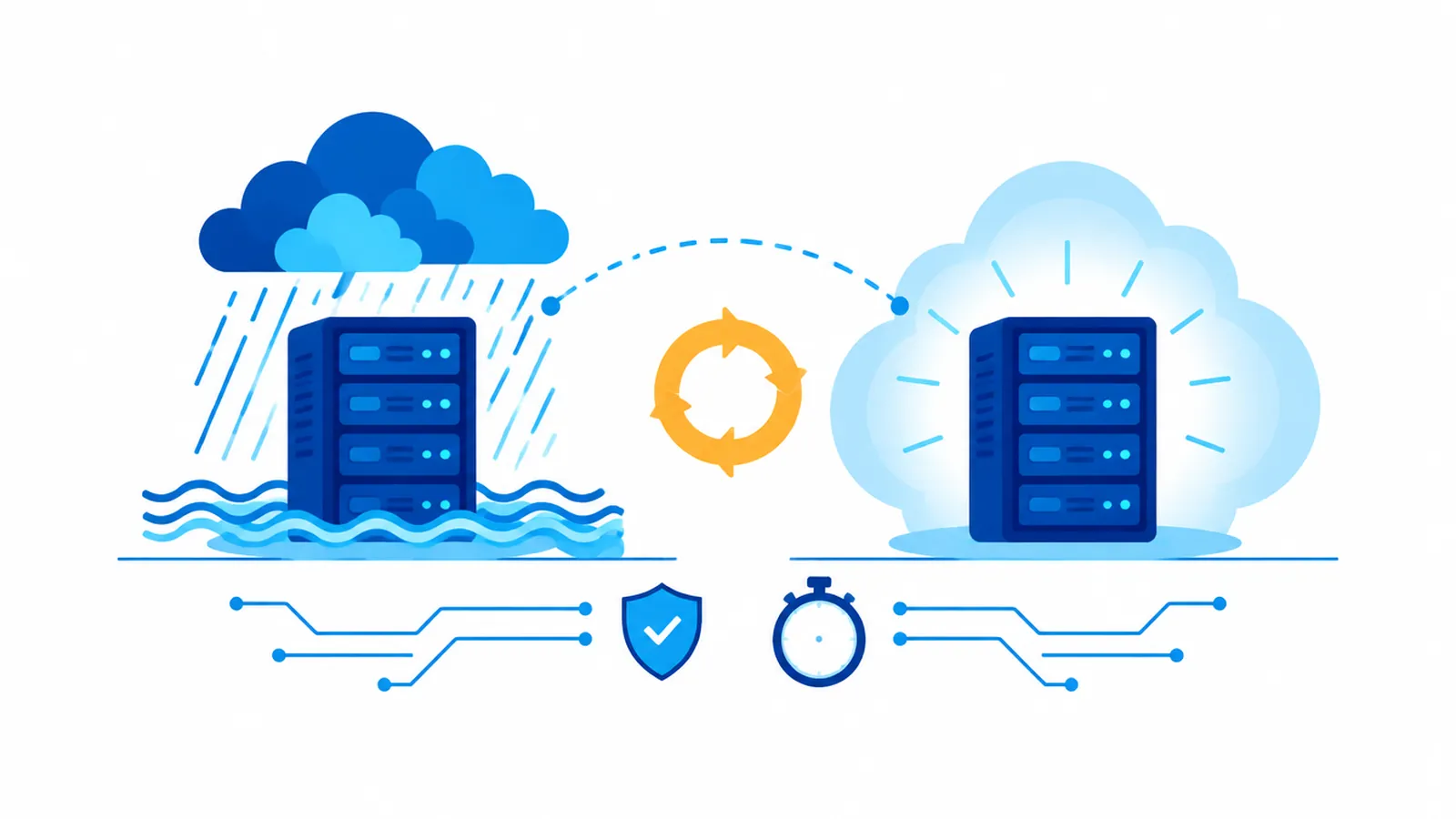
DRaaS is a standby copy of your servers and applications, kept current at a provider, that can be switched on and used within hours when your own site can't run them. Backup protects data; DRaaS protects operations. This article expands the disaster recovery thread of our Houston managed IT buyer's guide into a working explanation: what DRaaS actually is, how it differs from cloud backup, what the recovery numbers mean, what drives the cost, and a checklist you can hand to whoever runs your IT.
What Is Disaster Recovery as a Service?
Disaster recovery as a service is a managed arrangement in which a third party continuously replicates your critical systems — servers, line-of-business applications, databases, sometimes whole virtual machines — to its own infrastructure, and runs or supports the failover when your primary environment fails. When the provider declares a disaster (or you do), those replicas boot in the provider's data center or cloud region, your staff connect to them remotely, and the business keeps operating until your own site is back.
Three pieces make it DRaaS rather than just storage:
- Replication — a near-current copy of the system itself, not only its files, updated on a schedule measured in minutes or hours
- Recovery infrastructure — compute, storage and networking reserved (or available on demand) to actually run those copies
- Orchestration and support — a runbook, a tested failover procedure, and people who execute it, including the return trip ("failback") once your office is usable again
Federal guidance treats this as a core part of contingency planning. NIST's Contingency Planning Guide for Federal Information Systems (SP 800-34 Rev. 1) lays out alternate sites, recovery strategies and testing as distinct planning steps — the same structure a good DRaaS engagement follows, scaled down for a 20- to 200-person company.
DRaaS vs Cloud Backup: Are They the Same Thing?
No. This is the single most common confusion in the category, and it's expensive because people discover the difference during the outage.
Cloud backup copies your data off-site so it survives. To use it after a disaster you still need somewhere to restore it to — new hardware, a rebuilt server, reinstalled applications, reconnected users. For a small office that can take days, and the clock starts only when replacement equipment arrives.
DRaaS keeps a bootable copy of the systems ready to run. Restoration is a failover, not a rebuild.
| Question | Cloud backup | Disaster recovery as a service |
|---|---|---|
| What's protected | Files, mailboxes, databases | Whole servers and applications, plus their data |
| Where you recover | Your own replacement hardware | The provider's infrastructure, immediately |
| Typical recovery time | Days (hardware, rebuild, restore) | Hours, depending on the tier you buy |
| Who executes recovery | You or your IT provider, from scratch | Provider runbook, rehearsed in advance |
| Main cost driver | Storage volume | Protected systems plus standby compute |
Most businesses need both. Backup handles the everyday — a deleted folder, a corrupted spreadsheet, a ransomware-encrypted share — and gives you long retention. DRaaS handles the day the building, the server room or the power grid is the problem. Our service page for backup and disaster recovery is built around exactly that pairing.
RTO and RPO: The Two Numbers That Decide Everything
Every DRaaS conversation should start with two numbers, both defined in NIST SP 800-34:
Recovery Time Objective (RTO). How long a system can be down before the outage does real damage to the business. Four hours, one business day, three days.
Recovery Point Objective (RPO). How much data you can afford to lose, measured back from the moment of failure. Fifteen minutes of entries, the last nightly backup, the last hour of email.
These are business decisions dressed up as technical terms. A dental practice's scheduling and imaging system might need an RTO of four hours and an RPO of fifteen minutes, because a lost morning means rebooking patients and re-taking X-rays. The same practice's archived scanned forms can wait three days. A law firm's document management system and billing during a filing week sit near the top; the marketing file share sits near the bottom.
Put each system in a tier before you request quotes. Tier 1 (failover within hours, near-zero data loss), Tier 2 (next business day, last few hours of data), Tier 3 (restore from backup when convenient). Paying Tier 1 prices for everything is the most common way DRaaS budgets blow up; promising Tier 1 recovery while paying Tier 3 prices is the most common way they fail. If you've never put a dollar figure on an hour of downtime, our breakdown of the real cost of IT downtime for Houston small businesses walks through the math.
Why Houston Businesses Weigh DRaaS Differently
Most national articles on disaster recovery treat the "disaster" as a hypothetical. On the Gulf Coast it's a calendar item. The Atlantic hurricane season runs from June 1 to November 30, and the National Weather Service's Hurricane Harvey summary for the Houston/Galveston area records rainfall between 4.62 and 56 inches across the region, with the highest totals around Friendswood. Offices that never flooded before flooded in 2017. Others stayed dry and still lost access for days because roads, power or carriers were down.
That's the Houston pattern worth planning for: the building is often fine; you just can't get to it or power it. Hurricane Beryl in 2024 and Winter Storm Uri in 2021 both left large parts of the region without power for days. An on-site server with a backup to the cloud is useless when the server is dark and staff are working from relatives' houses in Austin.
Local specifics that change the design:
- Geography of the replica. A recovery site in the same flood plain or on the same utility grid as your office protects you against a dead server, not against a storm. Ask where the replicas physically live; out-of-region is the point.
- Pre-storm procedures. When a named storm enters the Gulf there are typically several days of warning. A good provider uses them: verify the last replication, run a fresh backup, confirm remote-access credentials for every key user, and, for some clients, fail over before landfall rather than after.
- Remote access is part of recovery. Failing over servers achieves nothing if staff can't reach them. VPN or secure remote desktop accounts, MFA tokens on phones rather than desk-bound devices, and laptops that leave the office before the storm all belong in the plan.
- Phones count. Clients call when they hear about the storm. A cloud phone system that rings mobiles and laptops keeps the front desk working from anywhere — our sister publication Talk Is Cheap explains how cloud voice keeps calls flowing to desk, desktop and mobile apps. An on-premises phone system in a flooded closet is a second outage.
The same thinking applies across the metro. A Clear Lake engineering firm, a Sugar Land medical group and a Katy accounting practice face the same storms with different tolerances; our League City managed IT and Houston managed IT services pages describe how we cover each area on the ground.
Ransomware Is Now the Most Likely Disaster
Storms get the attention; ransomware is the disaster most small businesses actually face. It's also the scenario where DRaaS and backup design matter most, because modern attackers go after the backups first.
CISA's #StopRansomware guide is direct: maintain offline, encrypted backups of critical data, and regularly test their availability and integrity in a disaster recovery scenario. It also warns that recovery must not reinfect clean systems. Translated into DRaaS requirements:
- Immutable or isolated copies. Replicas and backups that the production network's admin credentials can't delete or encrypt. Ask how long recovery points are retained — if replication faithfully copies encrypted files to the replica within minutes, you need older points to roll back to.
- Separate credentials. The DRaaS console should not use the same admin accounts as your domain. If one stolen password reaches both, you don't have disaster recovery.
- Clean-room recovery. The ability to boot a replica in an isolated network, scan it, and confirm it's clean before reconnecting users.
Ransomware recovery is covered step by step in our guide to ransomware prevention for medical and legal practices, and the decisions you'll make in the first hour belong in your incident response plan. DRaaS is what makes the plan's "restore operations" step possible within hours instead of weeks.
How Much Does Disaster Recovery as a Service Cost?
There's no honest single number, because DRaaS is priced on the shape of your environment. What you can control is understanding the units, so quotes become comparable. Expect pricing built from some combination of:
- Per protected system — each server or virtual machine replicated, usually monthly. This is the dominant cost line.
- Storage — the size of the replicas and how many recovery points are retained.
- Standby versus on-demand compute — reserved capacity that's always ready costs more; capacity that spins up only during a test or real failover costs less to hold but is billed when used.
- Testing and declaration — some providers include a number of failover tests per year; others bill each test or charge a fee when you declare a disaster.
- Management — the people who monitor replication, maintain the runbook and execute failover. This is the "service" in DRaaS.
Hyperscaler tools show the same structure publicly. Microsoft's Azure Site Recovery is billed per protected instance, free for each instance's first 31 days, with separate Azure charges for the storage and the compute used when replicas run. A managed DRaaS quote wraps those platform costs together with the monitoring, runbook and failover labor.
The cost lever that matters most is tiering. Protecting the four servers that actually run the business at Tier 1 and leaving everything else on backup-only Tier 3 is usually a fraction of the price of replicating everything — and it recovers faster, because the runbook is short.
What to Ask a DRaaS Provider Before You Sign
The questions below separate a real recovery capability from a storage product with a DR label:
1. What RTO and RPO do you commit to, per system, in writing? Targets in a slide deck aren't commitments.
2. Where do the replicas physically run? Region, data center operator, and whether it shares a power grid or flood risk with your office.
3. How often do you run a full failover test, and do I get the report? Annual at minimum; after any major change is better.
4. Who declares a disaster, and what happens at 2 a.m. on a Sunday? Name the people and the process.
5. How do my staff connect once we're failed over? Walk through the login for a receptionist and for a partner.
6. How long are recovery points retained, and can ransomware reach them? Ask about immutability and credential separation specifically.
7. What does failback look like, and what does it cost? Getting home is often harder than leaving.
8. What's excluded? SaaS apps like Microsoft 365, phone systems, line-of-business vendors' hosted components — each needs its own answer.
If a provider's answer to question 3 is "we test the backups," keep asking. Testing a backup proves a file can be read. Testing disaster recovery proves the business can run.
The DRaaS Readiness Checklist
Hand this to whoever runs your IT and ask them to mark each line done, scheduled, or not applicable.
Inventory and tiers
- Every server, VM and critical application listed, with its owner
- RTO and RPO agreed for each, in business terms, signed off by leadership
- Systems assigned to Tier 1, 2 or 3, with SaaS apps identified separately
Protection
- Tier 1 and 2 systems replicated to a recovery site outside the Houston flood and grid footprint
- Backups following the 3-2-1 pattern, with at least one immutable or offline copy
- DRaaS and backup consoles on separate credentials with MFA
Recovery
- A written runbook: who declares, who executes, in what order systems come up
- Remote access tested for every key user from a home connection
- Phones able to ring staff wherever they are, without the office
Proof
- A full failover test completed in the last 12 months, with a written report
- Recovery times measured against RTO, gaps logged and assigned
- A pre-storm checklist that runs when a named storm enters the Gulf
The federal Ready.gov IT disaster recovery plan guidance is a useful companion if you're writing the runbook from scratch.
Where This Lands
Backup keeps your data; disaster recovery as a service keeps your business open. For most Houston companies the right answer is both — backup for everything, DRaaS for the handful of systems the business can't run without — sized by RTO and RPO rather than by fear. The broader buying context, including how DR fits into a managed IT agreement, is in our Houston managed IT services guide, and if your servers are moving to the cloud anyway, our guide to cloud managed IT services in Houston covers what changes.
This is standing work for our backup and disaster recovery practice: we tier your systems, replicate the ones that matter out of the region, rehearse the failover, and hand you the test results in writing. Hurricane season ends November 30. The next one starts June 1.
Scott McAuley is the founder and CEO of Texas Management Group, and founder of Talos Automation and Talk Is Cheap — 25+ years running IT, communications, and automation for Texas businesses.
Frequently Asked Questions
What is the difference between DRaaS and backup as a service?
Backup as a service copies your data off-site so it survives; you still have to rebuild servers before you can use it. Disaster recovery as a service keeps bootable copies of whole servers and applications at a provider, ready to run within hours. Backup protects data, DRaaS protects operations, and most businesses need both — backup for everything, DRaaS for the systems they cannot run without.
How fast can a small business recover with DRaaS?
Usually within hours for the systems you protect at the top tier, compared with days for a rebuild from backup. The real answer is whatever recovery time objective you agree in writing for each system and then prove in a failover test. Tiering matters: the four servers that run the business can come back in hours while archives wait for a normal restore.
Is disaster recovery as a service worth it for a small business?
It is when an outage of a day or more would cost more than a year of protection — which is true for most medical, legal and professional offices on the Gulf Coast. Price only the systems that truly stop the business, keep everything else on backup, and compare the monthly cost against your measured cost of downtime rather than against zero.
Does Microsoft 365 need disaster recovery?
It needs backup more than failover. Microsoft keeps the service running, but under its shared responsibility model deleted, overwritten or ransomware-encrypted data is largely yours to protect, and retention has limits. Pair Microsoft 365 with a third-party backup that keeps independent recovery points, and make sure staff can reach it from home with MFA on their phones.
How often should disaster recovery be tested?
Run a full failover test at least once a year and after any major change, such as a new server, a moved application or a new office. Houston businesses should also run a short readiness check before each hurricane season and when a named storm enters the Gulf. A test only counts if it is timed against your RTO and written up.
About the Author
Scott McAuley is a Marine Corps veteran and 25-year IT executive. He is President & CEO of Texas Management Group, founder of Talos Automation, and creator of Talk Is Cheap, and was named IT Services CEO of the Year 2023. Full bio at scottmcauley.com →