Managed Network Services in Houston: What’s Included, What It Costs, and What to Ask
What managed network services cover for Houston businesses: firewall management, managed Wi-Fi, failover internet and monitoring, plus how pricing works.
By Scott McAuley · Nov 20, 2026 · 12 min read
Ask a Houston office manager who manages their network and the answer is usually a pause, then "the internet company, I think." The firewall was installed by a vendor who has since moved on, the Wi-Fi was added one access point at a time, and the only person who knows the admin password left two years ago. Everything works, so nobody looks.
Managed network services means one accountable provider runs your firewall, switches, Wi-Fi and internet circuits as a monitored, patched, documented system for a predictable monthly fee, instead of waiting for something to break. This article expands the network chapter of our complete guide to managed IT services in Houston: what the service should include, what it costs, the Houston-specific risks it has to cover, and a checklist you can hand to whoever runs your network today.
What Are Managed Network Services?
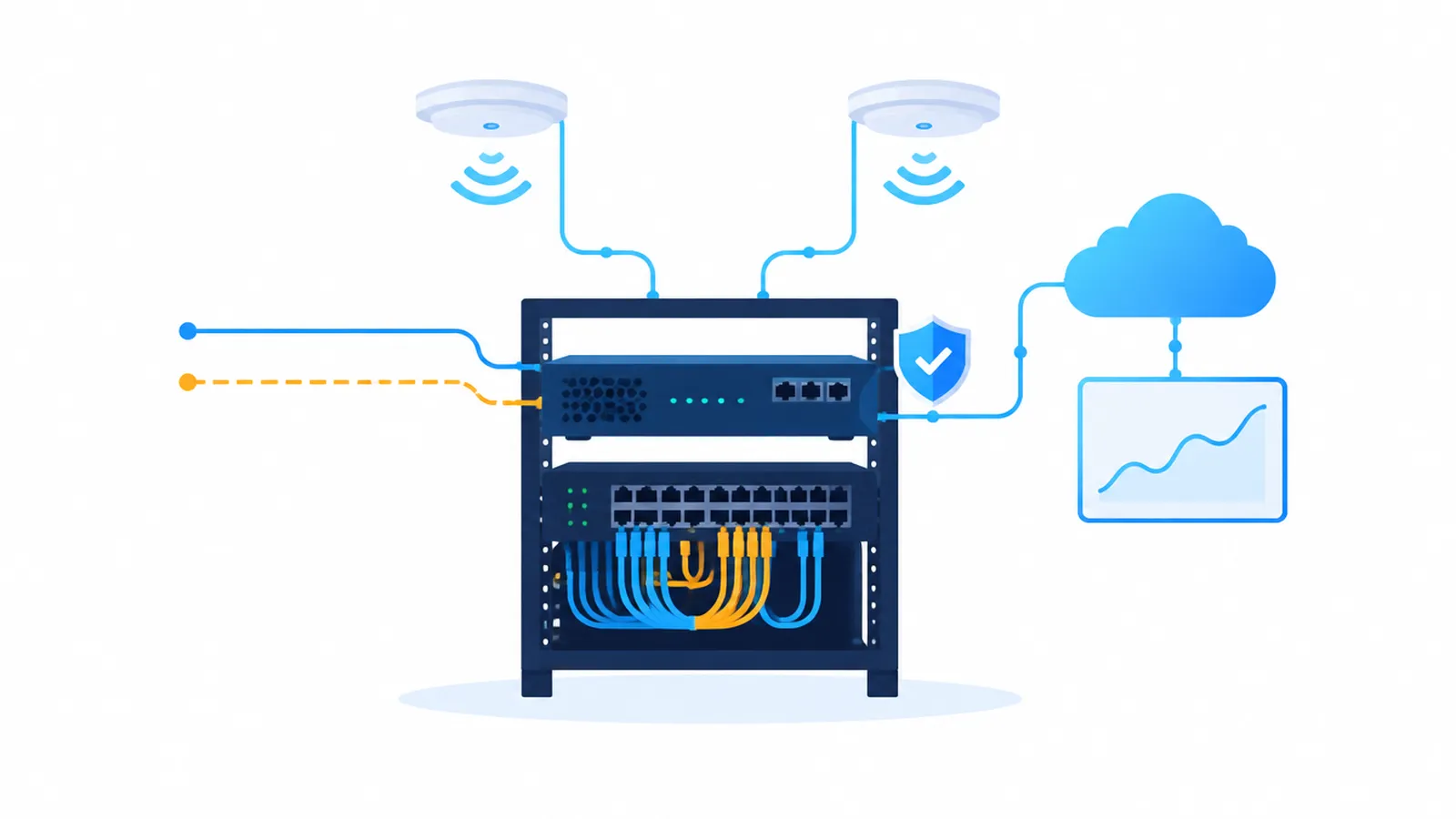
Managed network services are the part of IT that keeps data moving: the internet circuit coming into the building, the firewall that decides what gets in and out, the switches that connect every computer, phone and printer, the wireless access points, and the remote access that lets staff work from home. A managed provider takes ownership of all of it. That means monitoring, updates, configuration changes, troubleshooting, documentation and the replacement plan.
The difference from the usual arrangement is accountability. In a typical small office, the carrier owns the modem, a cabling contractor owned the install, a former vendor set up the firewall, and the help desk (if there is one) fixes laptops but "doesn't do networking." When the network slows down at 10 a.m. every day, each party can reasonably say it isn't theirs. Under a managed model, one provider answers for the whole path from the street to the desk.
Most small and mid-size businesses don't need a network operations center of their own. They need someone watching the handful of devices that everything else depends on, and a written record of how they are set up.
Why the Network Edge Became the Front Door
For years, attackers mostly came in through email. That is still common, but the gear at the edge of your network is now a primary target. The 2025 Verizon Data Breach Investigations Report found that exploitation of vulnerabilities rose to 20% of initial access in breaches, and that edge devices and VPNs made up 22% of the exploitation targets it analyzed, up from 3% the year before. Firewalls, VPN gateways and remote-access appliances are exposed to the internet by design, and an unpatched one is an open door.
Federal guidance now says the same thing. In February 2025, CISA and partner agencies published guidance and strategies to protect network edge devices, starting with knowing exactly which edge devices you have. On February 5, 2026, CISA issued Binding Operational Directive 26-02, which orders federal civilian agencies to inventory end-of-support edge devices within three months and replace them with vendor-supported equipment that can still receive security updates. The directive defines edge devices broadly: firewalls, routers, switches, wireless access points and other network security appliances.
The directive binds federal agencies, not private businesses. But the logic carries straight over to a 20-person office in the Galleria: a firewall the manufacturer no longer patches is a liability, no matter how well it still passes traffic. CISA's Known Exploited Vulnerabilities catalog lists firewall and VPN flaws from major vendors that attackers are actively using. Watching that list and patching against it is network management. If nobody is doing it for you, nobody is doing it.
What's Included in Managed Network Services
Scopes vary, so read the agreement line by line. A complete managed network service should cover these areas, and a quote that leaves one out should say who handles it instead.
Managed firewall. Firmware and security updates on a defined schedule, with an emergency path for actively exploited flaws. Rule reviews that remove the "temporary" openings added years ago. VPN and remote-access settings with multi-factor authentication. Log review and alerting. NIST's firewall guidelines in SP 800-41 are a good baseline for what a sensible rule set and review cycle look like.
Switching and segmentation. Managed switches configured so guest Wi-Fi, staff computers, phones, cameras and payment terminals sit on separate network segments. If a smart TV in the break room is compromised, it shouldn't be able to see the file server.
Managed Wi-Fi. Business access points placed from a coverage plan, not guesswork, with separate wireless networks for staff, guests and devices, and roaming that works across the floor.
Internet circuits and failover. Management of the carrier relationship, so the provider opens and chases the outage ticket, plus a secondary circuit with automatic failover where downtime is expensive.
Monitoring and alerting. Every network device reporting to a monitoring platform, with alerts for a device going offline, a circuit degrading, or a configuration change nobody approved.
Documentation and lifecycle. A current network diagram, an inventory with each device's end-of-support date, and the admin credentials stored where your business, not one technician, controls them.
Cabling and moves. Coordination of structured cabling for new offices, expansions and moves, including labeling and testing.
The network work can be bought on its own, but it usually lives inside a broader agreement. Our article on what a managed IT service contract includes shows how to spot what has been carved out.
Managed Firewall Services: What to Ask a Provider
"Managed firewall services" and "firewall management services" are two names for the same thing, and the phrase alone tells you almost nothing. Ask these questions and get the answers in writing:
- How fast are critical patches applied? When CISA adds a firewall flaw to its exploited list, the answer should be days, not the next quarterly visit.
- Who reviews the rules, and how often? A yearly review with a written change log is a reasonable minimum. Every open port should have an owner and a reason.
- Is remote access protected by multi-factor authentication? A VPN protected by a password alone is one of the most common ways in.
- Who watches the alerts, and when? Business hours only is a real limit worth knowing about before 2 a.m. on a Saturday.
- What happens at end of support? The provider should tell you a year ahead and budget the replacement with you, not find out after a breach.
- Who owns the configuration? If you part ways, you should get the admin access and a backup of the configuration the same day.
Firewall management is one layer of a security program, not the whole program. Our cybersecurity services cover the endpoint, email and identity layers that sit behind it.
Managed Wi-Fi Services and Network Security Services for Small Offices
Wi-Fi is where most small-office complaints start: the conference room that drops calls, the back office with one bar, the guest network that turns out to be the same network as the accounting PCs. Managed Wi-Fi fixes the cause, not the symptom. A provider measures coverage, places business-grade access points where the walls and floor plan need them, and manages them centrally so settings stay consistent.
The security side matters more than speed. Guest and device traffic should never share a segment with systems that hold patient records, client files or payment data. For a medical practice, that separation is part of protecting ePHI. Our healthcare IT practice builds it into every clinic network. For any business that takes cards, keeping payment terminals on their own segment narrows what a breach can reach.
Network security services also cover what you can see. If the firewall, switches and access points send their logs somewhere they are actually reviewed, a strange device or an unusual outbound connection shows up as an alert instead of a surprise six months later.
How Much Do Managed Network Services Cost?
Pricing follows the size and complexity of the network, so a credible provider quotes after an assessment rather than from a rate card. You'll see three common models:
| Model | How it's priced | Best fit |
|---|---|---|
| Per device | Monthly fee per firewall, switch and access point | Single site, stable equipment count |
| Per site | Flat monthly fee per location, with circuits included | Multi-location businesses and clinics |
| Bundled | Included in a per-user managed IT agreement | Businesses that want one provider for everything |
At TMG, network management is part of our managed IT agreements, which typically run $100 to $300 per user per month depending on scope and compliance needs. Hardware is the other variable: some providers sell you the firewall and access points up front, others rent them as part of the monthly fee. Neither is wrong. Compare the total cost over the equipment's life, and confirm who owns the hardware if the contract ends.
The cheapest quote is usually the one that leaves out after-hours monitoring, rule reviews or the replacement plan. Ask what isn't included before you compare totals. For the broader numbers, our 2026 managed IT pricing guide for Houston breaks down per-user costs and the fees that hide in contracts.
The Houston Factor: Storms, Power and Failover
Every network guide talks about redundancy. In Houston it is not theoretical. When Hurricane Beryl came ashore in July 2024, CenterPoint reported more than 2.26 million customers without power at the peak, and many were still waiting days later. Offices that had power often lost internet anyway, because the carrier's equipment down the street didn't.
A Houston network plan should answer four questions before June 1, not during a storm:
- Is there a second internet circuit? Ideally from a different carrier over a different medium, such as fiber plus cable or fiber plus 5G fixed wireless, so one cut line or one carrier outage doesn't take you down.
- Does failover happen automatically? The firewall should switch circuits on its own and alert the provider, without anyone driving to the office.
- Are the core devices on battery backup? A UPS on the firewall, core switch and modem keeps the network up through short power blips and gives time for a clean shutdown in a long one.
- Can staff work if the office is closed? If your systems run in the cloud and remote access is secure, the office network matters less on the worst days. Our guide to cloud managed IT services in Houston covers that side.
Phones ride on the network too. If your business moved to VoIP, a network outage is a phone outage unless calls fail over to mobiles. Our sister publication Talk Is Cheap explains how call routing survives an outage in its guide to cloud-based PBX systems, and our VoIP phone systems page shows how we configure it for Houston offices.
Signs Your Network Needs a Managed Provider
You don't need a crisis to justify the change. These are the patterns we see most often when we assess a Houston office:
- Nobody can produce the firewall admin password, or only one former employee knew it
- The firewall or VPN appliance is past its manufacturer's end-of-support date
- Guest Wi-Fi and staff computers share the same network
- The internet "goes down" a few times a month and nobody knows why
- There is no network diagram or device inventory
- Remote access uses a password alone, with no second factor
- The last time anyone reviewed the firewall rules is unknown
Two or more of these usually means the network is running on luck. None of them is expensive to fix compared with what they risk.
The Network Readiness Checklist
Hand this to whoever runs your network today and ask them to mark each line done, scheduled, or not applicable.
Edge and firewall
- Firewall and VPN on vendor-supported firmware, with end-of-support dates recorded
- Critical patches applied within days of release for actively exploited flaws
- Firewall rules reviewed in the last 12 months, every open port documented with an owner
- Multi-factor authentication on all remote access
Internal network
- Separate segments for staff, guests, phones, cameras and payment or clinical devices
- Business-grade access points managed from one console
- Switches and access points sending logs and alerts to a monitored platform
Resilience
- Secondary internet circuit from a different carrier, with tested automatic failover
- UPS on firewall, core switch and modem, tested before hurricane season
- Configuration backups stored off the device
Documentation
- Current network diagram and device inventory
- Admin credentials held in a business-controlled password vault
- A named owner for the carrier relationship and outage tickets
Where This Lands
Managed network services come down to accountability: one provider who keeps the edge patched, the Wi-Fi segmented, the circuits redundant and the documentation current. It is one chapter of the larger buying decision covered in our Houston managed IT services guide.
This is everyday work for our network infrastructure team: we assess the network you have, flag the end-of-support gear and single points of failure, and hand you the findings in writing, whether your office is downtown or in Katy, Sugar Land or The Woodlands. If a storm plan is the bigger worry, pair this with our backup and disaster recovery service. The network is the part everyone forgets. It shouldn't be.
Scott McAuley is the founder and CEO of Texas Management Group, and founder of Talos Automation and Talk Is Cheap — 25+ years running IT, communications, and automation for Texas businesses.
Frequently Asked Questions
What are managed network services?
Managed network services means an outside provider takes responsibility for running your network day to day: the firewall, switches, Wi-Fi, internet circuits and the monitoring that watches them. Instead of calling someone after the internet drops, you pay a predictable monthly fee for a team that patches firmware, reviews firewall rules, watches for outages and fixes problems before staff notice. It can be bought alone or as part of managed IT.
What is the difference between managed firewall services and firewall management services?
In practice, nothing. Both phrases describe a provider that owns the firewall’s care: firmware and security updates, rule reviews, VPN and remote-access settings, log monitoring and replacement before end of support. What matters is the scope in writing: how fast critical patches are applied, who reviews rules and how often, and whether alerts are watched around the clock or only during business hours.
How much do managed network services cost?
It depends on how many sites, devices and internet circuits you have, so honest providers quote after an assessment. Pricing is usually per device, per site, or bundled into a per-user managed IT agreement. At TMG, full managed IT typically runs $100 to $300 per user per month with network management included. Hardware is either bought up front or rented as part of the service, so compare quotes on total cost.
Do we need managed Wi-Fi services if our internet provider gave us a router?
Usually, yes, once you have more than a handful of people. The router your internet provider installs is built to deliver their circuit, not to run a business network: it rarely separates guest and staff traffic, keeps few useful logs, and is updated on the carrier’s schedule. Managed Wi-Fi adds business access points, separate networks for guests, staff and devices, coverage planning and someone watching for problems.
Should a Houston business have a backup internet connection?
Yes, if a dead connection stops you from working. Houston storms take out power and cabling, and a single circuit makes your internet, cloud apps and phones depend on one line. A second connection from a different provider over a different medium, such as fiber plus cable or fiber plus 5G fixed wireless, with automatic failover on the firewall keeps the office working while the primary line is repaired.
About the Author
Scott McAuley is a Marine Corps veteran and 25-year IT executive. He is President & CEO of Texas Management Group, founder of Talos Automation, and creator of Talk Is Cheap, and was named IT Services CEO of the Year 2023. Full bio at scottmcauley.com →