Vulnerability Management Services: What a Managed Program Includes and How to Choose One
What vulnerability management services include: internal and external scans, KEV-first prioritization, fix deadlines, PCI and FTC rules, and a checklist.
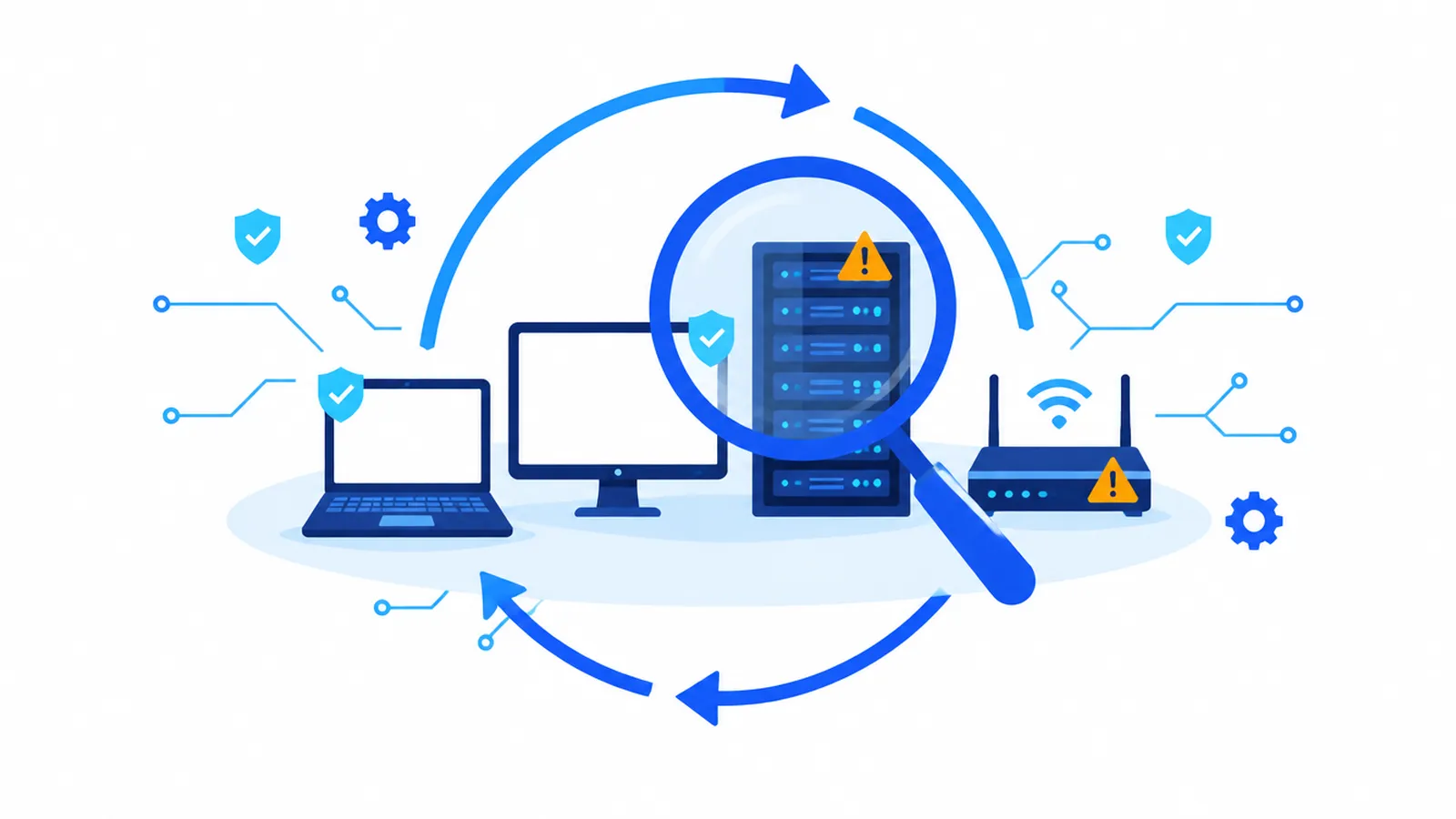
By Scott McAuley · Nov 26, 2026 · 17 min read
Vulnerability management services find the security weaknesses in your computers, servers, network gear, and cloud accounts, rank them by real-world risk, get them fixed on a deadline, and prove the fixes held. For a small business, a managed program means scheduled internal and external scans, prioritization that starts with flaws attackers are already exploiting, tracked remediation, and a monthly report you can hand an insurer or auditor.
Ask most owners whether they have vulnerability management and you will hear some version of "our computers update automatically." That covers part of one step. Automatic updates miss the firewall, the network-attached storage box, the VPN appliance, the line-of-business server nobody wants to reboot, and the misconfigured cloud setting that no patch will ever touch. Vulnerability management is the discipline of knowing what is weak across everything you own, fixing the dangerous items first, and having the evidence to show it was done. This article expands the patching and testing parts of our small business cybersecurity guide into working detail: what the service includes, how scanning and prioritization should work, which rules require it, what drives the price, and a checklist you can hand to whoever runs your IT.
What Are Vulnerability Management Services?
Vulnerability management services are an ongoing, outsourced program that continuously identifies, prioritizes, remediates, and verifies security weaknesses across an organization's IT environment. When the provider runs the scanning platform, the triage, and the reporting for a monthly fee, the industry calls it vulnerability management as a service. The distinction that matters is continuous: a one-time scan is a snapshot, while a managed program is a cycle that repeats every month.
A complete service has five parts:
- Asset discovery — an up-to-date inventory of every device, server, network appliance, and cloud account, because you cannot scan what you do not know exists
- Scanning — authenticated internal scans of workstations and servers, external scans of everything reachable from the internet, and cloud configuration checks
- Prioritization — ranking findings by whether attackers are actually exploiting them and how exposed the system is, not only by severity score
- Remediation — patching, configuration changes, upgrades, or documented compensating controls, done by the provider or handed to your IT team with a deadline
- Verification and reporting — a rescan that proves each fix worked, plus a trend report showing open findings, ages, and exceptions
Some firms sell only the scanning and leave you with a 300-page export. Those are vulnerability scanning services or vulnerability assessment services, and they are useful, but they are not management. If nobody owns the fix and the rescan, the same findings come back every quarter.
Why Patching Alone Is Not a Vulnerability Management Program
Patch management services keep operating systems and common applications updated on a schedule. That is essential, and it is the largest single piece of remediation. But patching and vulnerability management answer different questions. Patching asks "did the updates install?" Vulnerability management asks "what is still exposed, and does it matter?"
The gaps between the two are where small businesses get hurt:
Devices without automatic updates. Firewalls, VPN appliances, Wi-Fi controllers, printers, phone systems, and storage devices run their own firmware on their own release cycles. They rarely appear in a patch report.
Software outside the patch tool. Line-of-business applications, older versions of Java or PDF readers, browser extensions, and server roles often sit outside the automated update policy.
Unsupported systems. A machine on an operating system past end of support has no patch coming. The finding has to be closed by upgrading, isolating, or replacing it.
Misconfigurations. Open remote-desktop ports, default passwords, weak TLS settings, guest access to file shares, and overly permissive cloud sharing are vulnerabilities with no patch at all.
This is why attackers lean on unpatched edge devices. Verizon's 2026 Data Breach Investigations Report found that exploitation of vulnerabilities is now the most common initial access vector for breaches, at 31% of its dataset, while credential abuse fell to 13%. Firewalls, VPN gateways, and remote-access appliances are exactly the systems a workstation patch policy never touches.
The Vulnerability Management Lifecycle, Step by Step
The vulnerability management lifecycle is the repeating cycle a managed provider runs every month. The NIST SP 800-40 Rev. 4 guide to enterprise patch management frames the same idea as preventive maintenance: routine, planned, and measured, rather than an emergency every time a headline appears.
1. Inventory. Reconcile the asset list against the scanner, the endpoint agent, and the firewall's view of the network. New devices get added; retired ones get removed.
2. Scan. Run authenticated internal scans, external perimeter scans, and cloud configuration checks on schedule, and again after significant changes.
3. Prioritize. Sort findings by exploitation status, exposure, and business importance of the system. Discard confirmed false positives with a note explaining why.
4. Remediate. Patch, reconfigure, upgrade, or isolate. When a fix is impossible for now, record a risk acceptance with an owner, a compensating control, and an expiry date.
5. Verify. Rescan to confirm the fix. A ticket marked "done" is not evidence; a clean rescan is.
6. Report. Show open findings by severity and age, time to remediate, overdue items, and exceptions. The trend matters more than any single month.
Continuous vulnerability management simply means this cycle never stops. The Center for Internet Security makes it a named control: CIS Control 7, Continuous Vulnerability Management, calls for automated internal scans at least quarterly with both authenticated and unauthenticated scanning, external scans at least monthly, and remediation on a monthly or more frequent cycle. A managed provider should beat those minimums, not merely meet them.
Internal vs External Vulnerability Scans: Do You Need Both?
Yes. They look at different attack surfaces, and a business that runs only one is blind to the other.
An external vulnerability scan looks at your public IP addresses and internet-facing services the way an attacker would: firewall, VPN portal, remote access gateway, email server, website, and any port someone opened years ago and forgot. It finds what is reachable from anywhere in the world, which makes its findings the most urgent.
An internal vulnerability scan runs from inside the network and, done properly, logs in to each system with a dedicated scanning account. Authenticated scans read installed software versions and configuration directly, so they find far more than an unauthenticated scan guessing from the outside of each machine. Internal scans catch the missing patches and weak settings an attacker would use to spread after a phishing email lands.
| | External scan | Internal scan |
|---|---|---|
| Where it runs | From the internet, against your public addresses | From inside your network, against every device |
| What it finds | Exposed services, perimeter firmware flaws, weak encryption | Missing patches, outdated software, local misconfigurations |
| Credentials | None; it sees what an outsider sees | Should be authenticated for accurate results |
| Typical cadence | Monthly to quarterly, and after any perimeter change | Monthly, and after significant changes |
| Urgency of findings | Highest; reachable by anyone | High; reachable after an initial compromise |
Cloud services need their own checks on top of both. A Microsoft 365 or Google Workspace tenant has no IP address to scan in the traditional sense; its weaknesses are settings such as legacy authentication, external sharing, and admin accounts without MFA.
How Should Vulnerabilities Be Prioritized?
Prioritize by evidence of exploitation first, exposure second, and severity score third. A typical small-business scan returns hundreds or thousands of findings, and treating every "critical" as an emergency guarantees burnout and missed deadlines. Most of those findings will never be used against you; a small number are being used against businesses like yours right now.
Three public signals do most of the work:
CVSS. The Common Vulnerability Scoring System, maintained by FIRST, rates technical severity from 0 to 10; CVSS version 4.0 was published in November 2023. It answers "how bad could this be?" but not "is anyone doing it?"
The CISA KEV catalog. The Cybersecurity and Infrastructure Security Agency publishes the Known Exploited Vulnerabilities catalog, a list of flaws with confirmed exploitation in the wild. As of late November 2026 it lists more than 1,800 vulnerabilities, and new entries arrive most weeks. It is the single most useful filter a small business can apply, because every entry is a proven attack path.
EPSS. FIRST's Exploit Prediction Scoring System estimates the probability that a published vulnerability will be exploited in the wild in the next 30 days. It helps rank the long tail of findings that are not yet on the KEV list.
| Signal | Question it answers | How to use it |
|---|---|---|
| KEV listing | Is this being exploited in the wild right now? | Fix first, on the shortest deadline |
| Internet exposure | Can an outsider reach it? | Move it up a tier |
| EPSS probability | How likely is exploitation soon? | Rank the remaining backlog |
| CVSS severity | How bad would exploitation be? | Tie-breaker and default for everything else |
| Business importance | What stops if this system is compromised? | Raise priority for servers holding client or patient data |
A provider that sorts only by CVSS is doing risk-based vulnerability management in name only. Ask to see how KEV status and exposure change the order.
What Remediation Timelines Should a Provider Commit To?
A provider should commit to written remediation deadlines by priority tier and report against them every month. Without a deadline, "we're working on it" can last a year.
The speed matters because most organizations are slow. The same Verizon report found that only 26% of critical vulnerabilities on the CISA KEV list were fully remediated by organizations in 2025, down from 38% the year before, and the median time to full resolution rose to 43 days. Every one of those days is a window for an attack that is already circulating.
The best public benchmark comes from the federal government. From 2021, CISA Binding Operational Directive 22-01 gave federal civilian agencies two weeks to fix newer known exploited vulnerabilities and six months for older ones. In June 2026 CISA replaced it with BOD 26-04, Prioritizing Security Updates Based on Risk, which tiers deadlines by risk and gives agencies three days to deal with the most dangerous cases, including a forensic check of whether the system was already compromised. These directives bind federal agencies, not private businesses, but the direction is clear: exploited flaws are measured in days, not quarters.
The targets we recommend small businesses write into a service agreement:
| Priority | Example | Target to fix or mitigate |
|---|---|---|
| Emergency | KEV-listed flaw on an internet-facing system | 72 hours, or isolate the system until patched |
| High | Any other KEV-listed flaw, or a critical flaw on an exposed system | 14 days |
| Medium | Critical or high findings on internal systems | 30 days |
| Low | Remaining findings | Next scheduled maintenance cycle, or documented acceptance |
These are our recommended targets, not a legal standard. Your insurer, a customer contract, or a framework may set tighter ones; when they do, the stricter number wins. Microsoft's monthly security release, on the second Tuesday of each month, sets a natural rhythm for the routine tiers.
Vulnerability Scanning vs Penetration Testing vs a Security Audit
These are three different products, and buyers mix them up constantly. A vulnerability scan is automated and broad: it lists known weaknesses across everything. A penetration test is human-led and deep: a tester tries to exploit weaknesses and shows how far an attacker could get. A security audit grades your controls against a framework with evidence.
Vulnerability management is the continuous program that runs between the other two. The pen test checks whether the program actually holds up, and the audit checks whether the whole control set is in place. We cover the testing side in our guide to penetration testing companies and the evidence side in IT security audit services. If your budget allows only one recurring item, make it managed vulnerability management; an annual test of a program that does not exist will find the same problems every year.
Which Rules Require Vulnerability Scanning?
More than most owners realize. The main drivers for small and mid-size businesses:
PCI DSS. If you accept payment cards, PCI DSS v4.0.1 requires internal vulnerability scans at least once every three months, with high-risk and critical findings resolved and rescanned, and since March 31, 2025 those internal scans must be authenticated. External scans must also run at least once every three months, performed by a PCI SSC Approved Scanning Vendor, and a passing external scan resolves every finding with a CVSS score of 4.0 or higher. Whether the full requirement applies depends on how card data flows through your business and which self-assessment questionnaire you file. Our sister company Lone Star Payments explains how processing setup affects that burden in its overview of PCI compliance and payment security.
The FTC Safeguards Rule. Non-bank financial businesses such as tax preparers, mortgage brokers, auto dealers, and financial advisors are covered. Under 16 CFR 314.4(d)(2), a covered firm without effective continuous monitoring must run annual penetration testing and vulnerability assessments at least every six months, and after material changes. Firms that maintain information on fewer than 5,000 consumers are exempt from that testing clause.
HIPAA. The current Security Rule requires risk analysis and periodic evaluation without naming scan frequencies. The update HHS proposed in the January 6, 2025 Federal Register notice would require vulnerability scanning at least every six months and penetration testing at least once a year. It is still a proposal: the federal regulatory agenda lists the final rule as a long-term action, so treat the six-month cadence as where the rule is heading, not current law. For most healthcare practices, the risk analysis already points to regular scanning.
Cyber insurance. Applications increasingly ask how quickly you patch critical flaws and whether you scan your perimeter, and some carriers run their own external scans of applicants. The current carrier expectations are in our guide to cybersecurity insurance requirements.
Texas law. Senate Bill 2610, which created Chapter 542 of the Texas Business and Commerce Code effective September 1, 2025, bars exemplary (punitive) damages in data-breach lawsuits against businesses with fewer than 250 employees that implemented and maintained a qualifying cybersecurity program. The frameworks it names include the NIST Cybersecurity Framework, the CIS Controls, the ISO/IEC 27000 series and SOC 2. Actual damages are still recoverable and the details belong with counsel, but every one of those frameworks expects continuous vulnerability management, so a documented program is part of qualifying.
How Much Do Vulnerability Management Services Cost?
It depends on what is included, so compare scope before price. Vulnerability management is sold three ways: as a standalone scanning subscription you run yourself, as a managed service priced per device or per IP address, or as part of a broader managed security or managed IT agreement. Managed IT in the Houston market typically runs $100 to $300 per user per month, and whether vulnerability management sits inside that number varies widely by provider.
The cost drivers to line up across quotes:
- Asset count — workstations, servers, network devices, and external IP addresses in scope
- Scan types — internal authenticated, external, cloud configuration, web application
- Who remediates — scan-and-report only, or the provider patches and reconfigures too
- Remediation deadlines — written SLAs by tier, or best effort
- Reporting — raw scanner export, or a monthly trend report with exceptions
- Compliance extras — PCI Approved Scanning Vendor scans, attestation letters, auditor support
The cheapest quote is usually scan-only. It looks inexpensive until you count the hours your own staff will spend triaging the output.
How to Choose a Vulnerability Management Provider
Ask these questions before signing anything, including with us:
1. What exactly is in scope? Every device type, external address, and cloud tenant, named in writing.
2. Are internal scans authenticated? Unauthenticated internal scans miss most missing patches.
3. How do you prioritize? Listen for KEV status and exposure, not only CVSS.
4. Who does the fix, and by when? Ask for the remediation SLA by tier and how overdue items are escalated.
5. How do you handle what cannot be patched? Expect documented risk acceptance with compensating controls and an expiry date.
6. What does the monthly report show? Ask for a sample: open findings by age, time to remediate, exceptions, trend.
7. How do you prove a fix? The answer should be a rescan, not a closed ticket.
8. What happens when a critical flaw makes the news? Ask how fast they check your exposure and report back.
One conflict deserves attention. When the same provider runs your systems and reports on their vulnerabilities, the report can quietly flatter the work. Ask to see raw scanner data alongside the summary, and let an independent penetration test check the program once a year.
The Vulnerability Management Checklist
Hand this to whoever runs your IT. Mark each line done, scheduled, or not applicable.
Inventory
- Maintain a current list of every workstation, server, network device, and cloud tenant, with its support status
- List every public IP address and internet-facing service, and close the ones nobody can explain
Scanning
- Run authenticated internal scans at least monthly and after significant changes
- Run external scans at least monthly or quarterly and after every firewall or remote-access change
- Check cloud tenant security settings on the same schedule
Prioritization and remediation
- Check every scan against the CISA KEV catalog and treat matches as emergencies
- Put remediation deadlines by tier in writing, and track overdue items
- Patch firewall, VPN, and network device firmware, not only workstations
- Replace or isolate every system past end of support
Verification and records
- Rescan to confirm each fix before closing it
- Record risk acceptances with an owner, a compensating control, and an expiry date
- Keep dated monthly reports where you can find them for an insurer, an auditor, or after an incident
- Confirm your incident response plan covers an actively exploited flaw you cannot patch yet
Where This Lands
Vulnerability management services are worth paying for when they cover everything you own, put exploited flaws first, fix them on a written deadline, and prove each fix with a rescan. Scanning without remediation is a report; remediation without scanning is guesswork. The wider security baseline this program supports is laid out in our small business cybersecurity guide, and if you want an outside view of where your risk sits first, Scott's own walkthrough of a cybersecurity risk assessment is a good starting point.
This is standing work for our cybersecurity services practice, usually as part of a managed IT support agreement alongside endpoint detection and response: we scan, prioritize, patch, verify, and hand Houston-area businesses the monthly results in writing. Known weaknesses are the cheapest ones to fix. Fix them first.
Scott McAuley is the founder and CEO of Texas Management Group, and founder of Talos Automation and Talk Is Cheap — 25+ years running IT, communications, and automation for Texas businesses.
Frequently Asked Questions
What is included in vulnerability management services?
A managed program covers five things: an up-to-date asset inventory, scheduled internal and external scans, prioritization based on active exploitation and exposure, remediation on written deadlines, and a rescan plus monthly report proving the fixes held. A service that only scans and sends a report is vulnerability scanning, not vulnerability management. Ask who owns each fix and how it is verified.
How often should a small business run vulnerability scans?
Monthly is a sensible baseline for both internal and external scans, plus a scan after any significant change such as a new firewall, server, or remote-access setup. Some rules set a minimum: PCI DSS requires internal and external scans at least once every three months, and the FTC Safeguards Rule requires vulnerability assessments every six months for covered firms without continuous monitoring.
What is the difference between vulnerability management and patch management?
Patch management installs vendor updates on a schedule; vulnerability management finds every weakness, decides which matter, and proves they were closed. Patching is the biggest piece of remediation, but it misses firewall and VPN firmware, unsupported systems, software outside the patch tool, and misconfigurations that have no patch. A real program uses scan results to check that patching actually worked.
Is vulnerability management as a service worth it for a small business?
Usually, yes, if it includes remediation and not just scanning. Small businesses rarely have staff to run a scanner, triage hundreds of findings, and chase deadlines every month. A managed service turns that into a routine with a monthly report. It is not worth paying for a scan-only subscription nobody reads, which produces the same findings quarter after quarter.
What is the difference between an internal and an external vulnerability scan?
An external scan tests your public IP addresses and internet-facing services from the outside, the way an attacker on the internet would see them. An internal scan runs inside your network and, when authenticated, logs in to each device to read installed software and settings. You need both: external findings are reachable by anyone, and internal findings decide how far an intruder can spread.
About the Author
Scott McAuley is a Marine Corps veteran and 25-year IT executive. He is President & CEO of Texas Management Group, founder of Talos Automation, and creator of Talk Is Cheap, and was named IT Services CEO of the Year 2023. Full bio at scottmcauley.com →